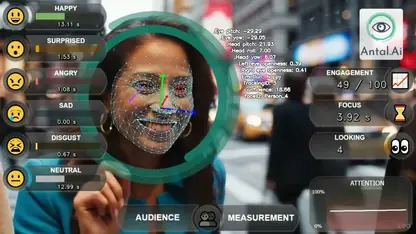
Audience analytics
Audience Measurement
Measure viewing time and gaze-based attention around a display, with facial expression estimates. Build the results into your own analytics.

May I use Google Analytics to understand which pages and demos are useful? It’s optional. You can change your choice anytime in the footer. About cookies
See the engines at work
Choose a demo and evaluate the output with your own camera. No account or local installation is needed to open a demo.
The demos download their WebAssembly engine and model assets, which can take a moment. Camera access needs your permission and HTTPS (or localhost). Performance varies by device and browser. Prefer a recorded demonstration? You’ll find it on the engine’s project page.
Can I try a demo without a webcam? Yes. Try object detection, road segmentation or driver monitoring on a still image. The image is processed locally in your browser.
Source packages available
These demos process camera frames locally in the browser. See the privacy notice for website and third-party services.
Measure viewing time and gaze-based attention around a display, with facial expression estimates. Build the results into your own analytics.
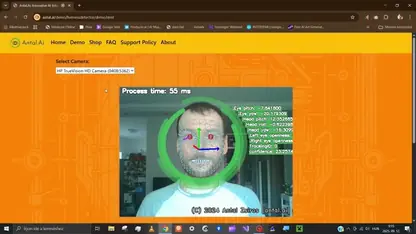
Add action-based liveness checks to your face verification flow. Ask for blinks or head turns and check the response.
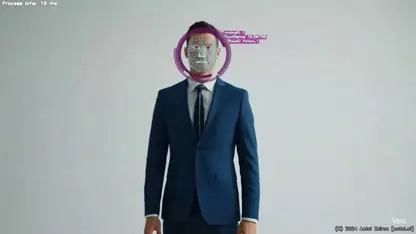
Detect, track and re-identify faces in video. Start with a working C++ engine and adapt the matching to your application.
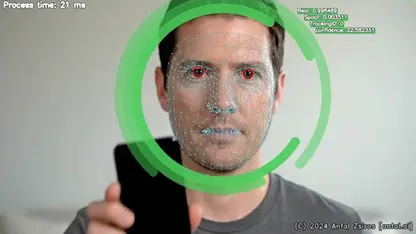
Evaluate a neural-network approach to detecting photo and screen presentation attacks in a face verification workflow.
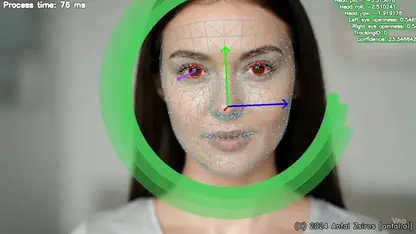
Estimate head pose and eye gaze direction from a webcam, with facial landmarks and eye openness measurements.
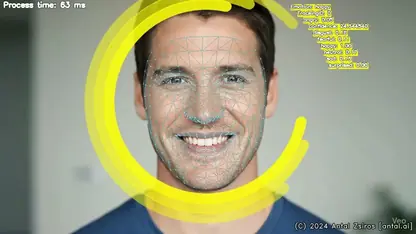
Classify visible facial expressions in a camera feed and explore the estimates in your own visualization or analytics.
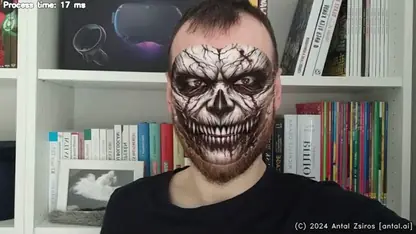
Map your own 2D makeup designs onto a tracked 3D face mesh, with a working browser demonstration.
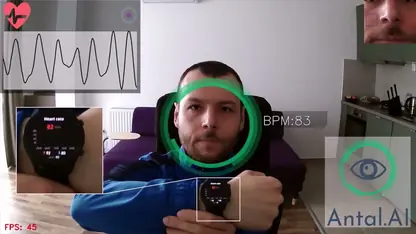
Explore contactless pulse estimation from subtle facial color changes using remote photoplethysmography (rPPG).
More experiments
Availability of source packages varies. These demonstrations are separate from complete, supported end-user systems.
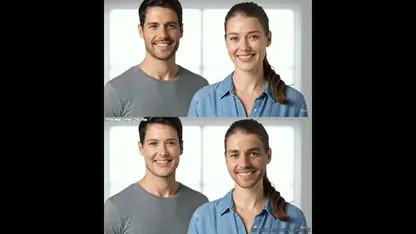
Swap detected faces in the camera image, or replicate the largest face across the scene. A browser experiment; no source package is offered.
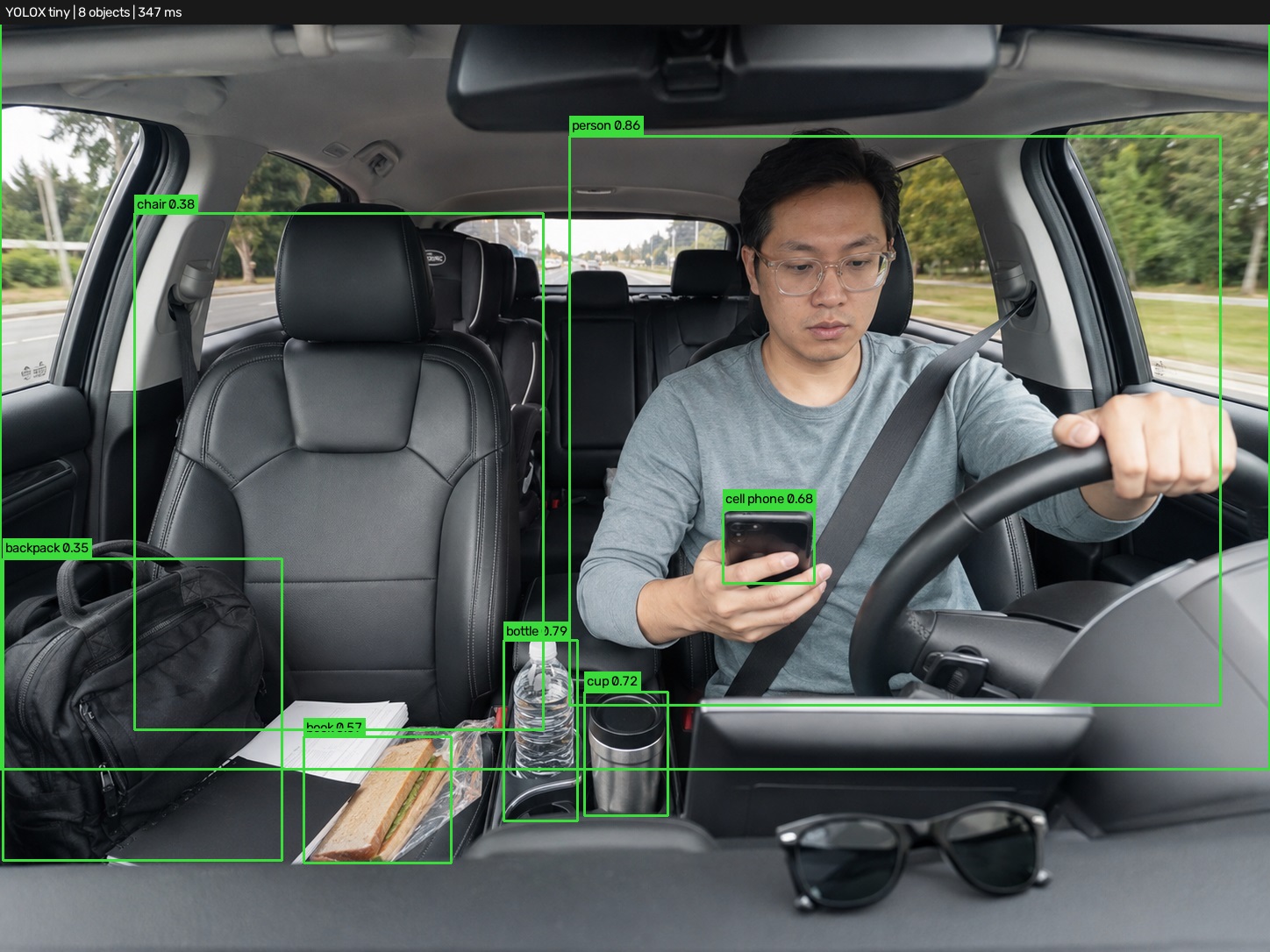
Detect objects in a photo or live camera feed with a pretrained model running locally in your browser.
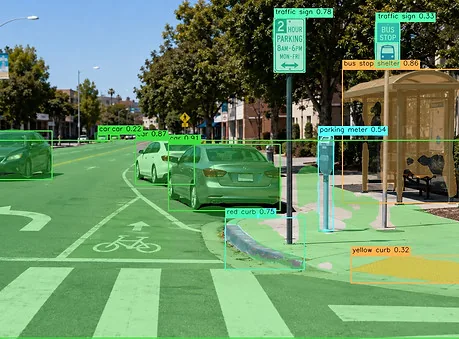
Segment road-scene objects in a camera image.
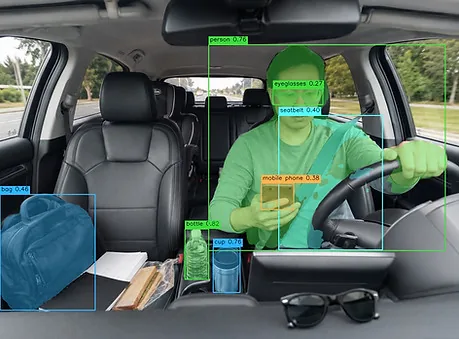
Explore detection of object types relevant to driver monitoring. A technical demo, not a certified driver safety system.

Segment and pixelate people in the camera feed. Detection can miss people; evaluate your intended distance.
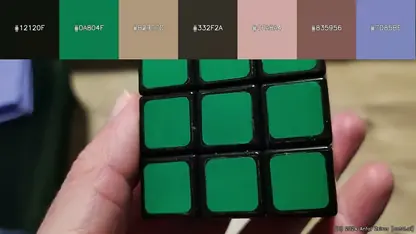
Explore the dominant colors and HEX values of a scene.

An experimental video effect with a music-video feel.

Try another mask design using the Virtual Makeup engine.
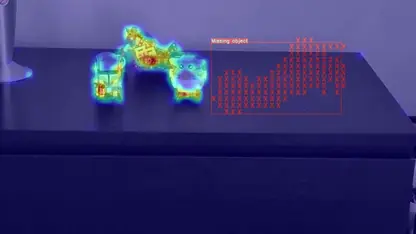
Compare a fixed camera view with a reference scene to reveal removed objects.
Camera access starts within the selected demo, not on this collection page. Read the compatibility and support policy.